A question comes in at ten to three: “How did sales go this year, by state and by product family? Can you send something before the call?”
It’s not a BI project. It’s an ad-hoc dashboard: needed now, for one person or one meeting, maybe thrown away next week. With eMondrian an AI agent builds it on your semantic model in under a minute, and you send a link.
The link is protected. The person who opens it signs in, and sees only the data their role allows.
What you get
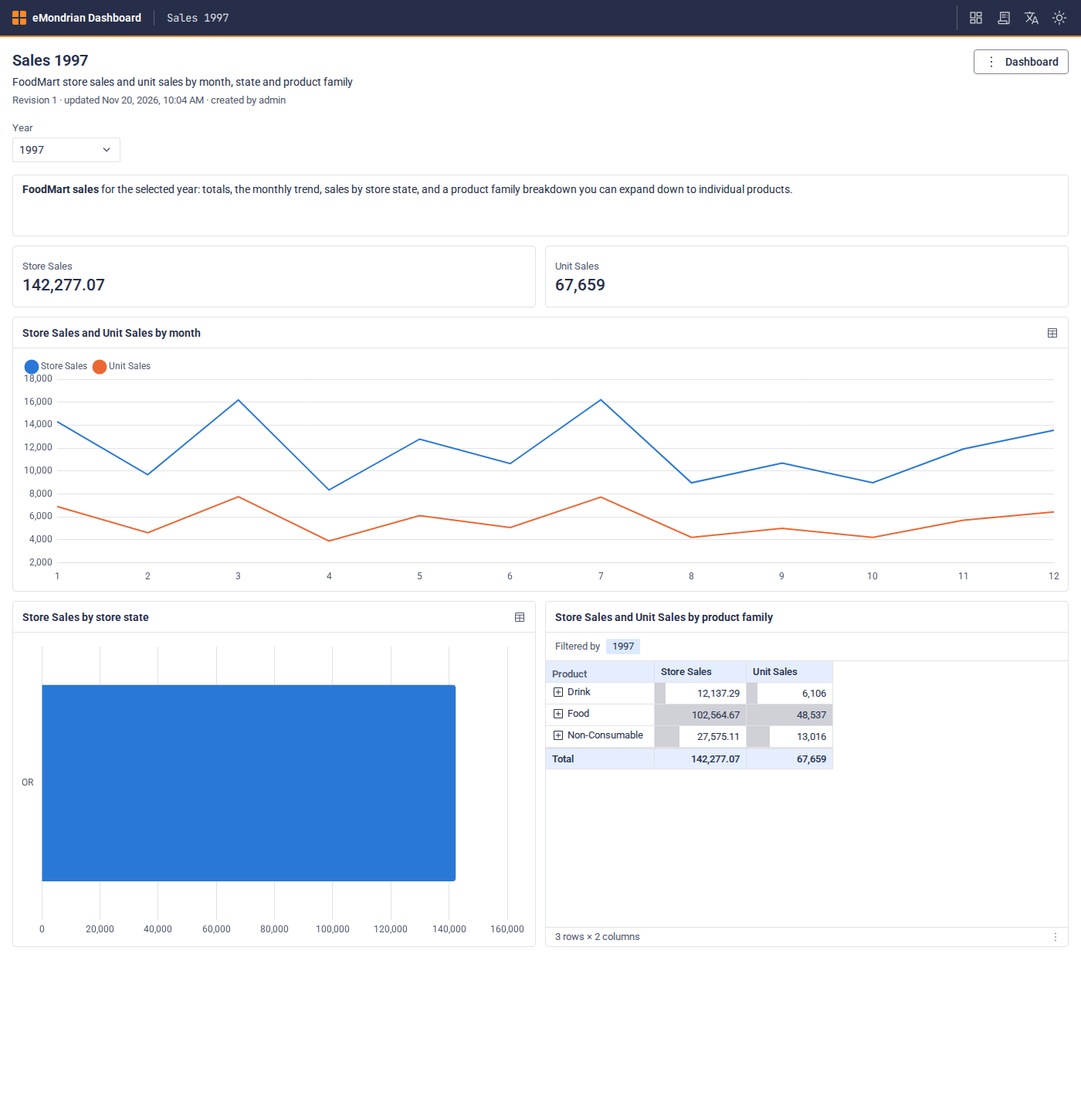
An eMondrian dashboard is a web page on your eMondrian server: filters shared by all widgets, KPIs, pivot tables you can expand, and bar, line and pie charts.
- Live data. A dashboard stores queries, not numbers. Each time someone opens it, every widget asks the cube again.
- Your definitions. The agent uses the measures of your model, such as Store Sales and Unit Sales, the same ones Excel and Power BI use. No new SQL, no second version of revenue.
- Rights per dashboard. A new dashboard is open only to the person who created it and to the dashboard administrators. They decide who else may view or edit it.
See one on the public demo: US flights at a glance, built by an AI agent on 182 million US flights. Pick a year or an airline, and every widget asks the cube again. The demo has no sign-in, so it shows the dashboard itself, not the sharing.
Build it
Connect your agent (Claude Code, Claude Desktop or another MCP client) to eMondrian over MCP and ask:
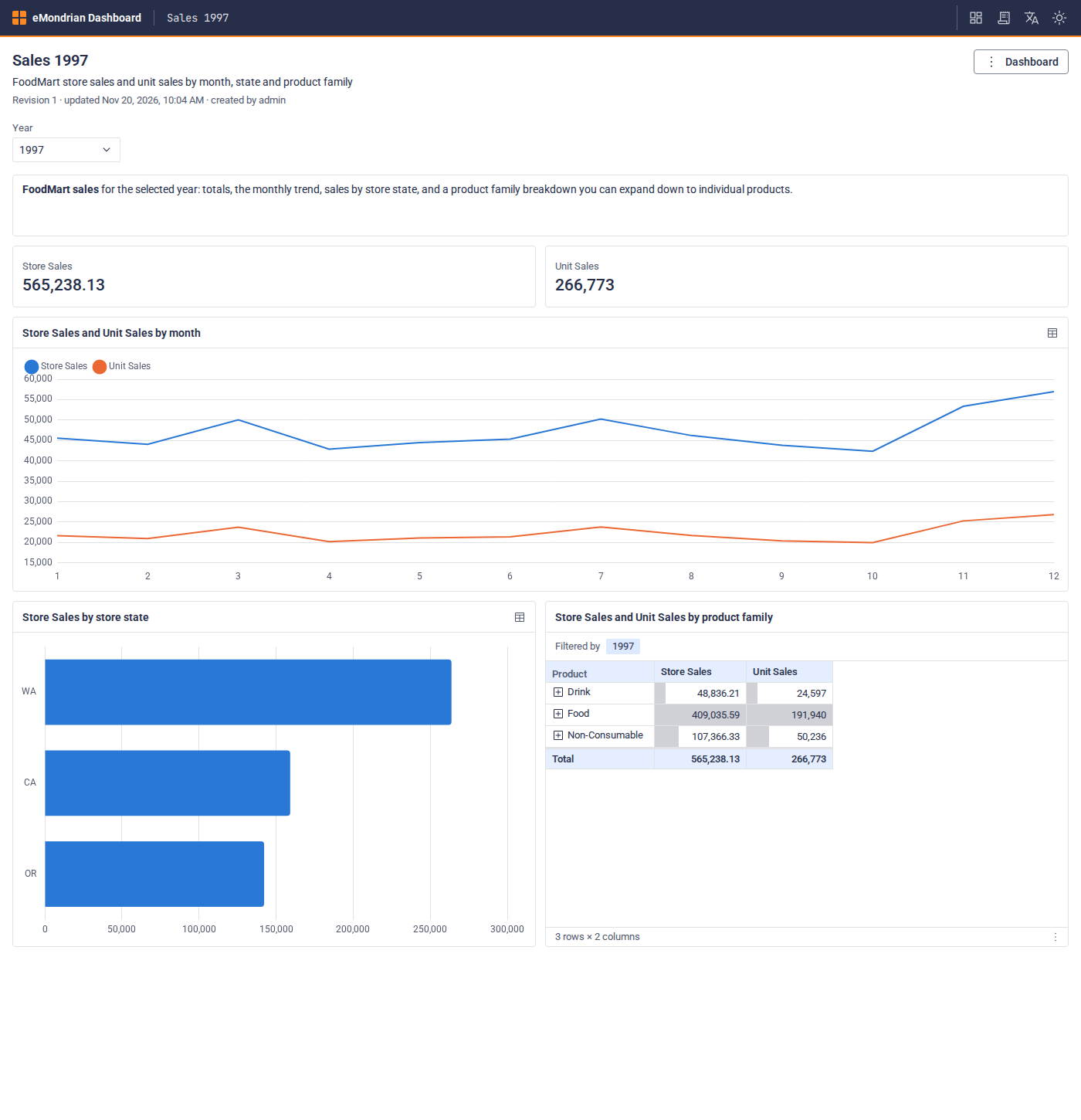
“Read the dashboard authoring guide, then build a dashboard Sales 1997 on FoodMart / Sales: a Year filter, KPIs for Store Sales and Unit Sales, a line chart by month, a bar chart by state, and a pivot by product family. Test every query first, then create it and give me the link.”
The agent checks every query before it saves the dashboard and returns the link.
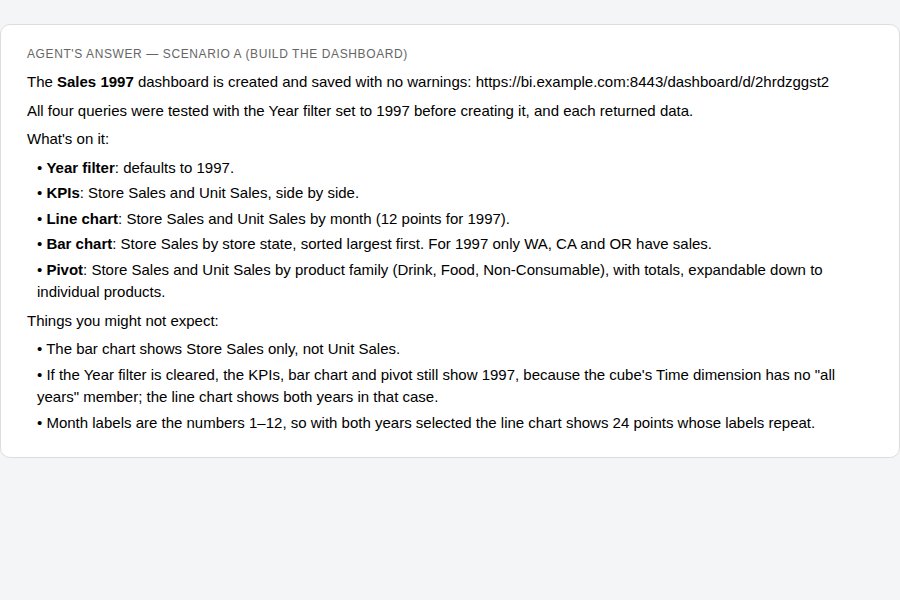
To change it, ask the same way: “Add a bar chart of the top 10 products.” Each change is a new revision; earlier ones stay under History.
Send the link: three ways
1. To a colleague: just the link
Your colleague already has an account: from your Active Directory or LDAP, or a user in eMondrian’s Keycloak. Give the right and send the link:
“Give the group /Sales/Managers the right to view Sales 1997.”
The agent can give the right to one user, to a group, or to everyone signed in. You can do the same in the dashboard menu: Share….
Your colleague opens the link, signs in as usual, and sees the dashboard. The numbers follow the colleague’s own roles: a manager who may see only the West region sees only the West region on the same dashboard.
2. To a client: an account, and a link
The client has no account yet. In one request the agent creates the client’s role, the account and the access:
“Our client Acme should see the dashboard Sales 1997. Acme may see only Oregon’s sales, with totals for Oregon only, and must not see our costs or margins. Create an account anna.smith for Anna Smith ([email protected]) from Acme, give her access to the dashboard, and send her an email to set her own password. Then write me a short note to Anna with the dashboard link.”
The agent turns this into a role for Acme in your semantic model, a group and a user. The role does two things:
- Row-level security (RLS) limits the rows: Anna sees Oregon only, and the totals add up to Oregon alone.
- Object-level security (OLS) limits the model: Store Cost doesn’t exist for Anna. Calculated measures built on it, such as Profit, are hidden too, so the margin can’t be worked out from what remains.
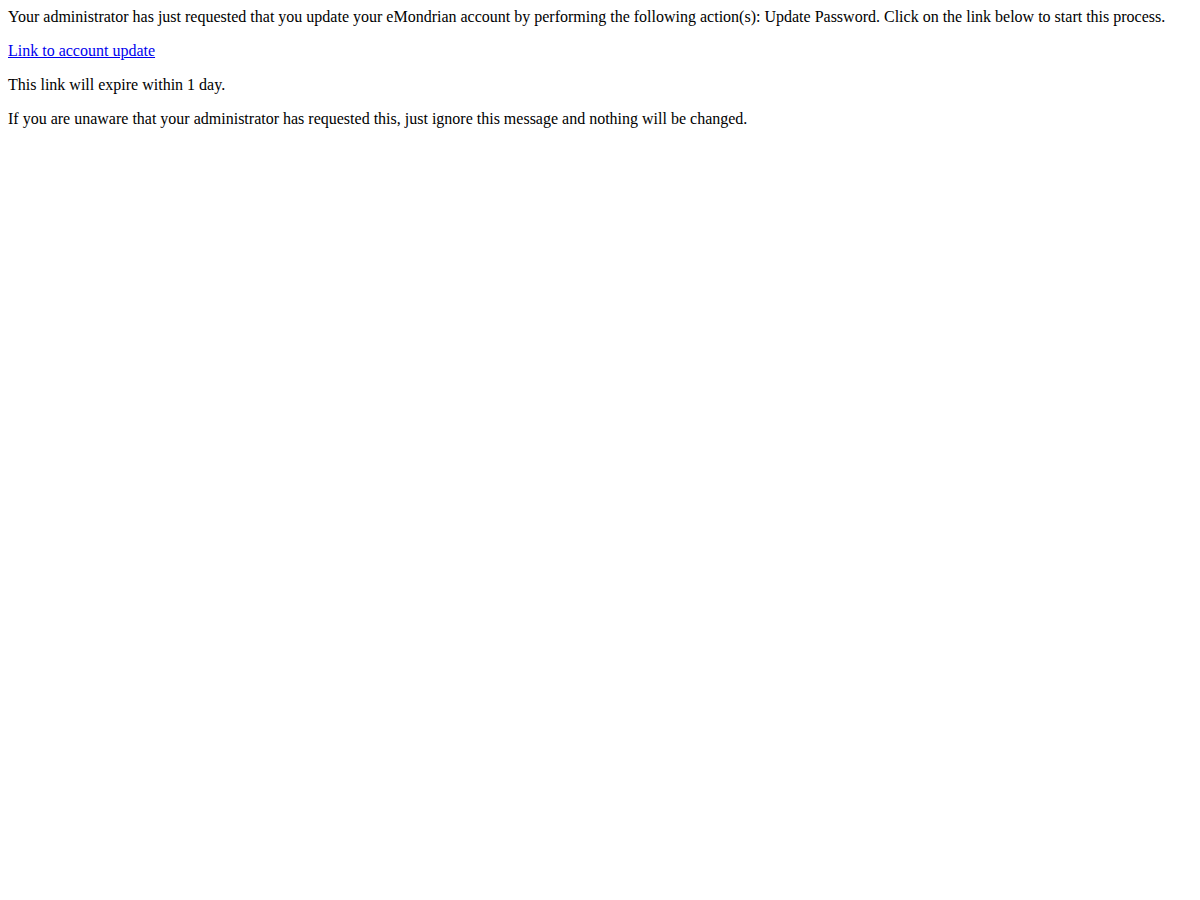
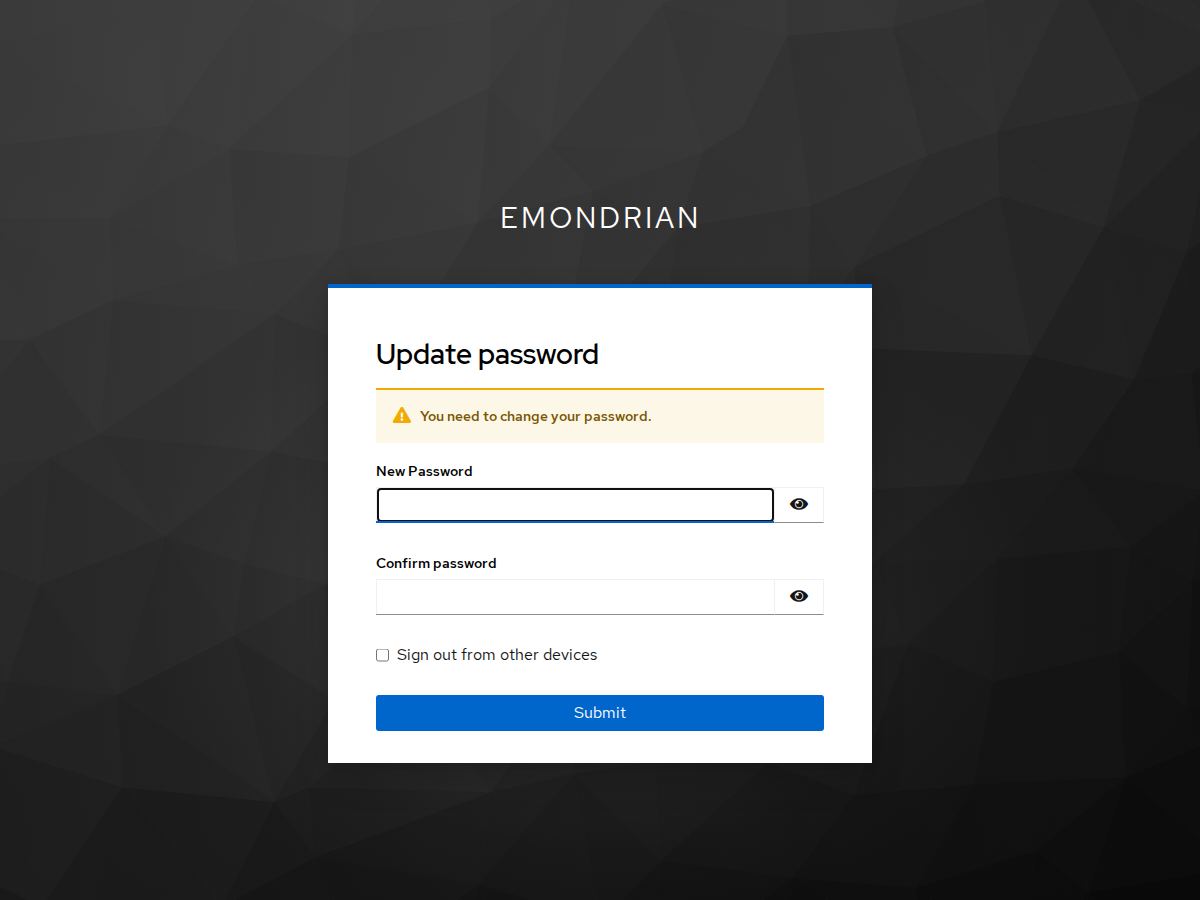
Anna gets an email and chooses her own password. Nobody else learns it: not you, not the agent. The email link works for 24 hours; if she misses it, ask the agent to send it again. Then you send her the note with the dashboard link; she signs in and sees the dashboard.
Two things to set once:
- Mail. The email goes out through your mail server: an
smtpsection inauth/identity.yml. See E-mail and first passwords. Without mail, ask the agent to create the user with a temporary password instead, and send it in your note; Anna changes it at her first sign-in. - Every schema closed by default. Give every schema a restrictive
defaultRole, so that a new user sees nothing until given a role. See Security.
On our test server the agent built the dashboard in 29 seconds, and set up the client, role, account and email included, in under two minutes. Before finishing, it checked the numbers as Anna would see them. Anna saw only Oregon, 67,659 units, and no cost or margin measures. An administrator opening the same dashboard sees every state: 266,773 units. Same dashboard, same link: the role decides.
3. The simplest: a link without a password
No password, no letter with credentials. The agent creates a link for the client’s user, and the link itself signs the client in:
“Our client Acme should see the dashboard Sales 1997, only Oregon’s sales and none of our costs or margins. Create a user acme-oregon without a password, give it access to this dashboard only, and make a link to the dashboard that works for 14 days. Show me the link.”
You send the link. The client opens it and sees the dashboard with the data their role allows, without signing in.
- The link belongs to a user. It opens the dashboards that user may view, with that user’s role: Acme sees only Oregon, and no costs. Give the client’s user the right to this one dashboard only, and the link shows nothing else.
- The token leaves the address. On the first open the link becomes a session in the browser, and the address bar no longer shows the token.
- It ends. A link works for 30 days by default, and you can make it shorter. Each user has one link: a new one replaces the old.
- Take it back in seconds. “Revoke acme-oregon’s link.” A browser tab that is still open loses access within about 30 seconds.
- Every use is logged. Each request made with the link is a line in the gateway’s access log with the user’s name; the token itself is masked.
The same link also works in Excel and Power BI over XMLA, and for the REST API.
A link works like a password: whoever has it sees what the client’s user sees, until it ends or you revoke it. Send it only to the person it is for, and keep it short-lived.
Take it back
The dashboard was for one call. When it’s over:
“Remove anna.smith’s right on Sales 1997.”
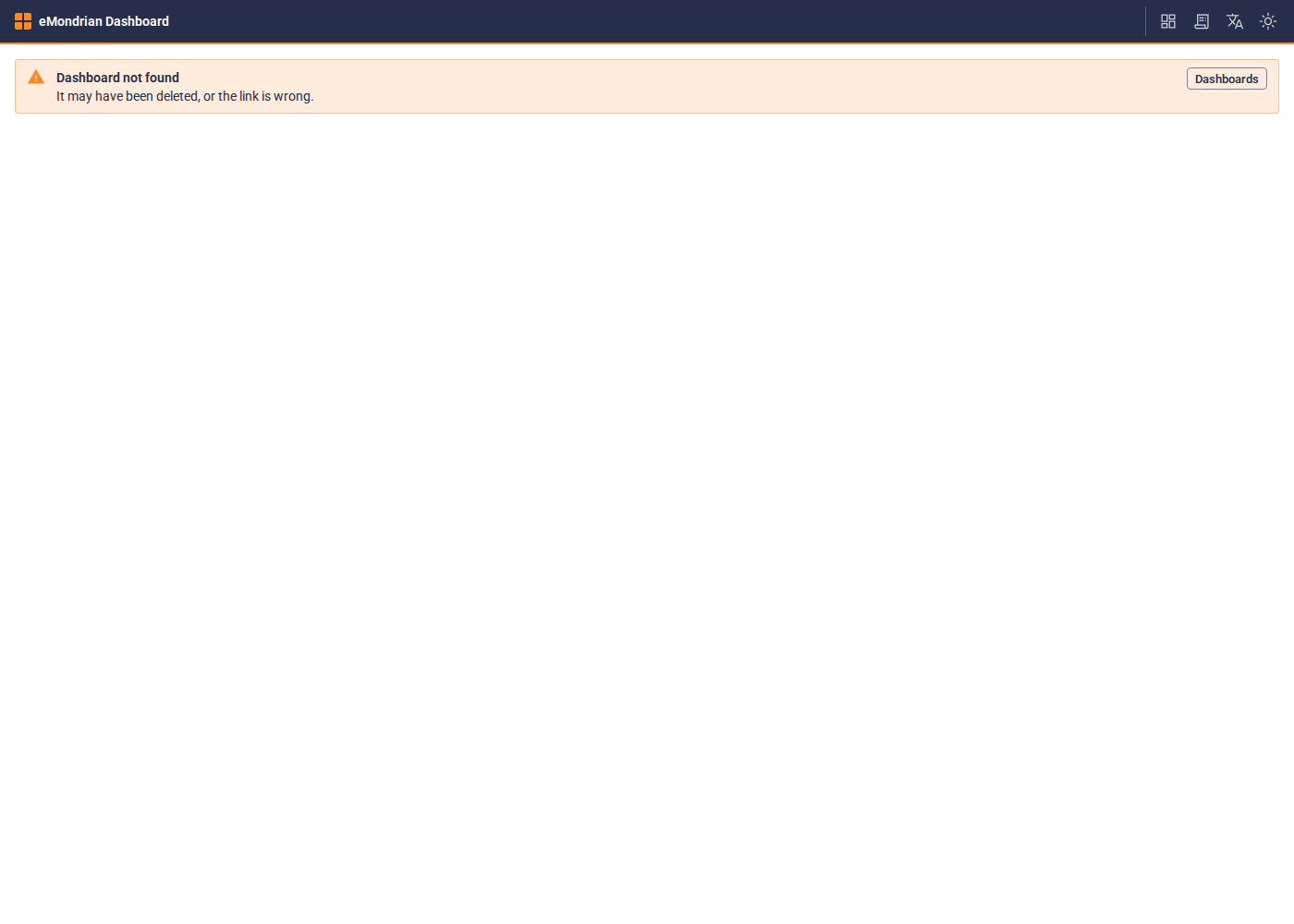
The dashboard now opens for Anna as “not found”, even in a browser tab she still has open. To close the account too, disable the user afterwards: an open sign-in ends within about 5 minutes.
Or delete the dashboard: it was ad hoc.
What you need
- eMondrian Community 2026.11.20.1 or later, with authentication on, over HTTPS. See Security.
- A key that includes the DASHBOARD module. Evaluation keys include it.
- An AI agent connected over MCP. To create users and groups, the agent signs in as a member of
/emondrian-admins.
Read more: Build a dashboard with an agent · Dashboard access · Open a dashboard with a link · Security